

For players seeking the most stable connection and the fastest load times, transitioning to the dedicated application is the logical next step. Whether you are initiating a 9bigwin download to install the software on your Android smartphone, or configuring a progressive web application on your iOS device, having the casino right in your pocket ensures you never miss a time-sensitive sports wager or a daily promotional drop. This guide covers the complete installation protocol, secure mobile cashier functions, and advanced security configurations.
Key Mobile App Features
Operating an online casino through a mobile application requires specific architectural adjustments to ensure the platform feels intuitive rather than cluttered. The 9bigwin app integrates several user-centric features designed to streamline the mobile betting experience, prioritizing speed, security, and accessibility.
UI Optimization for Mobile Screens
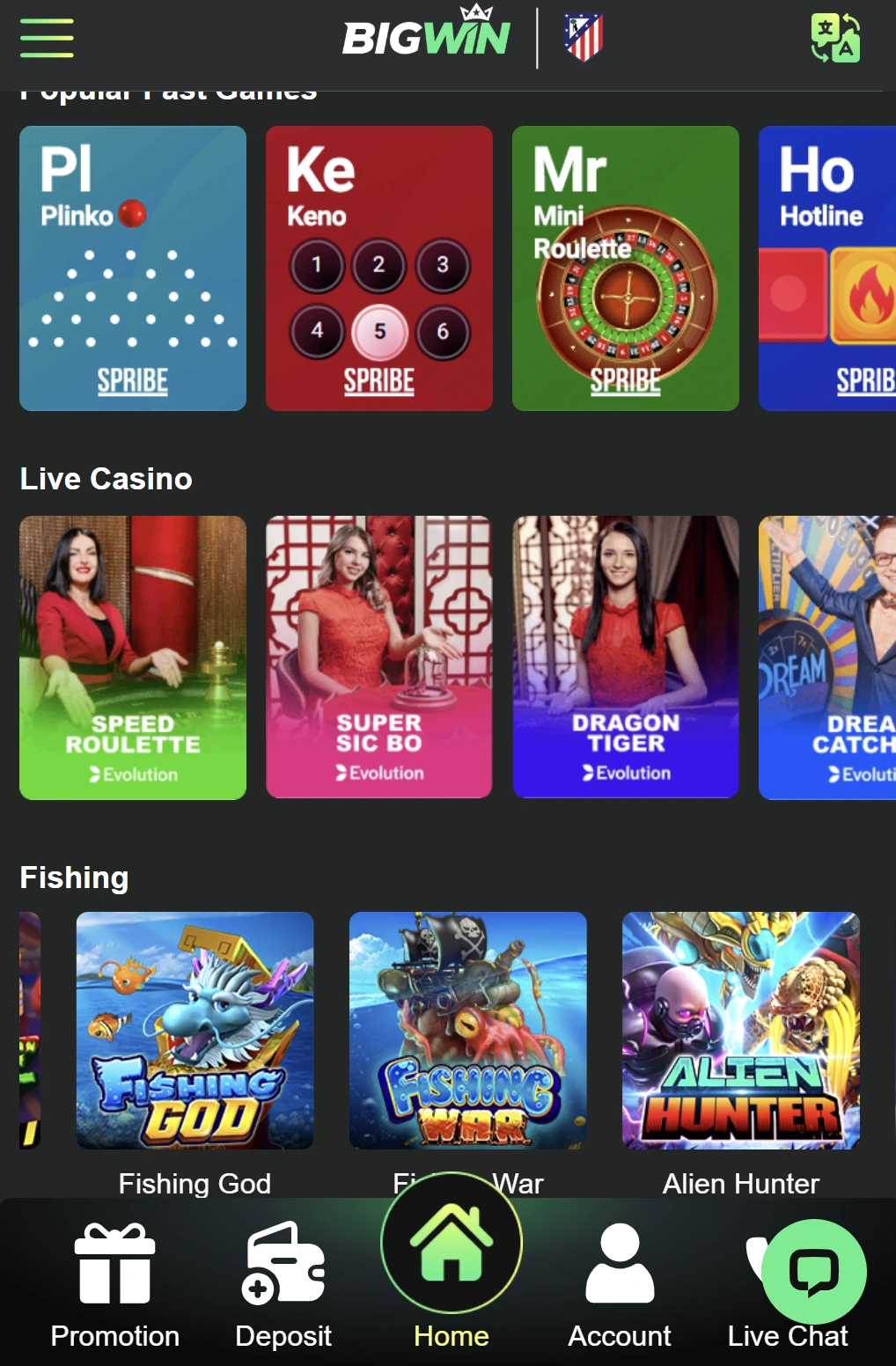
Mobile screens demand different user interface (UI) principles than desktop monitors. The application has been meticulously calibrated to operate perfectly in both portrait and landscape modes. Slot machine menus collapse dynamically to maximize the visible spinning reels, while live casino lobbies utilize sliding navigation drawers so players can flip between Baccarat tables and Roulette wheels without losing their current seat. Buttons are ergonomically placed near the bottom of the screen to accommodate one-handed thumb navigation, drastically reducing the chances of misclicking a wager.
One-Touch Biometric Login
Security does not have to come at the cost of convenience. The mobile software fully integrates with native device security protocols. Instead of manually typing your username and password in public spaces where your keystrokes might be observed, players can enable one-touch biometric authentication. By linking your profile to Android’s fingerprint scanner or Apple’s Face ID, logging into the casino takes less than a second, guaranteeing that only the verified device owner can access the digital wallet.
Push Notifications for Bonuses
A major advantage of using the dedicated application over the mobile web browser is the integration of push notifications. Players who opt into alerts receive immediate pings on their home screen regarding:
- Invitations to exclusive VIP tournaments and weekend events.
- Flash promotions and limited-time reload bonuses.
- The settlement of in-play sports wagers.
- Confirmation of successful deposits or completed withdrawals.
Installing App on Your Device
Getting the software onto your device varies depending on your operating system. Because real-money gaming applications face specific regional restrictions on mainstream app marketplaces, acquiring the installation files requires a direct download approach from the official site.
Android APK Download & Installation Checklist
Android users benefit from a straightforward installation process utilizing a direct package file. To ensure a safe installation, strictly avoid third-party software hosts and only acquire the 9bigwin apk from the verified official domain.
Follow this checklist for a successful installation:
- Open your mobile browser (like Chrome) and navigate to the official homepage.
- Locate the “Mobile App” or “Download” icon in the main navigation menu.
- Tap the Android logo to initiate the 9bigwin apk file download directly to your local storage.
- Wait for the file to finish downloading completely before attempting to open it.
How to Enable Unknown Sources on Android
By default, Android operating systems block the installation of applications acquired outside of the Google Play Store. To execute the downloaded file, you must temporarily adjust your device’s security settings.
- Navigate to your phone’s Settings menu.
- Scroll down to Security & Privacy (or “Biometrics and Security” depending on your device manufacturer).
- Locate the option labeled Install Unknown Apps or Unknown Sources.
- Toggle the permission on for your web browser (e.g., Chrome) or your file manager.
- Locate the downloaded file in your “Downloads” folder, tap it, and select Install.
Once the application icon appears on your home screen, you can safely revert the “Unknown Sources” setting back to off for continued device protection.
iPhone Quick-Start Guide & iOS Web App Requirements
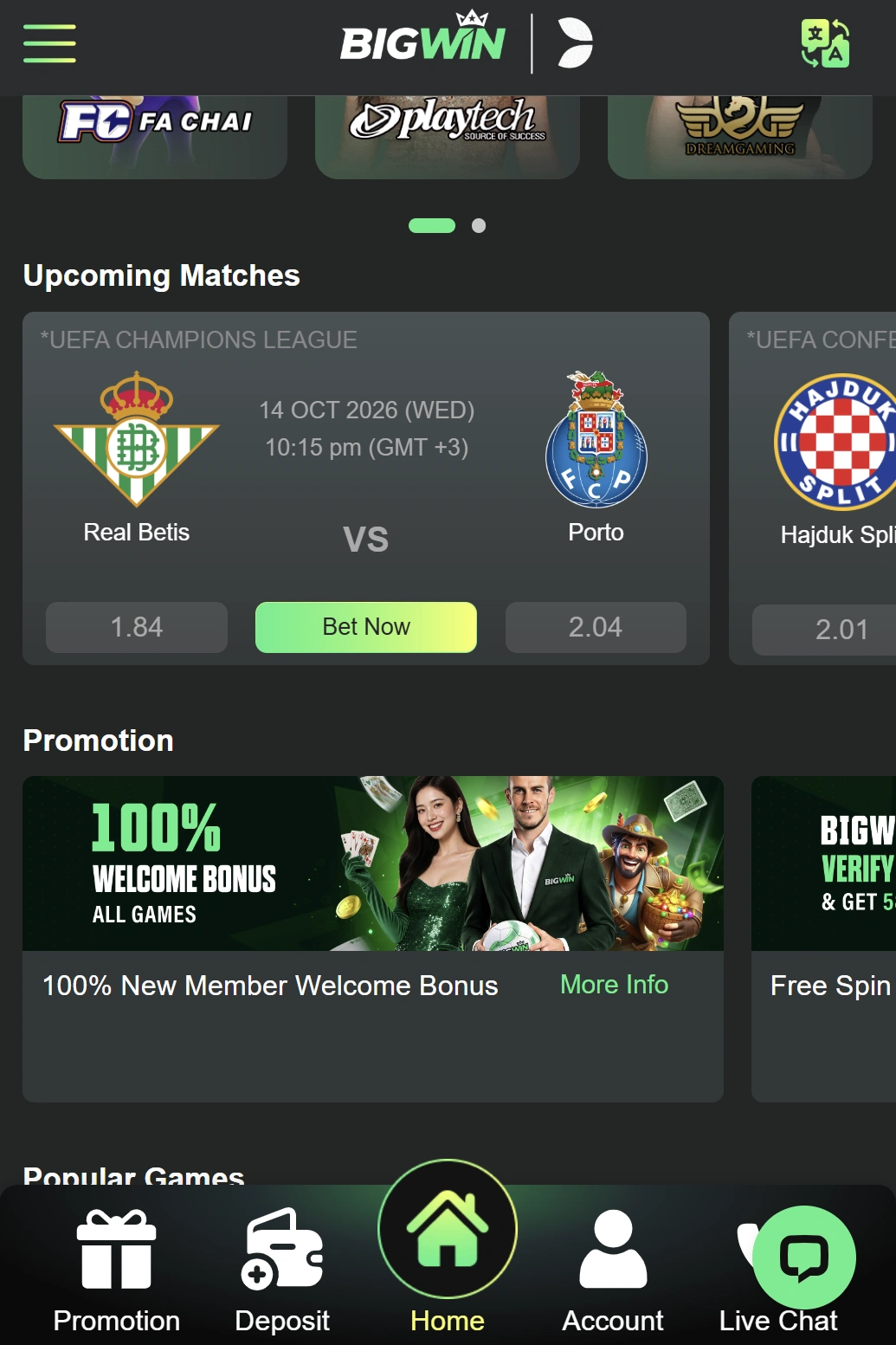
Apple’s strict App Store guidelines regarding real-money gambling apps mean iOS users will not find a native application file to download. However, the platform utilizes Progressive Web App (PWA) technology, which allows iPhone and iPad users to create an icon on their home screen that behaves exactly like a native app.
To set up the iOS web app:
- Open the Safari browser and navigate to the official platform.
- Log into your account to establish the active session.
- Tap the Share button located at the bottom center of the Safari navigation bar (the square with an arrow pointing up).
- Scroll down the share sheet menu and select Add to Home Screen.
- Confirm the name of the shortcut and tap Add.
This creates a standalone icon that bypasses the Safari interface, running the casino in full-screen mode for uninterrupted gameplay.
Mobile Account Management
Managing your profile directly from your smartphone provides ultimate flexibility. Everything from registering a new profile to submitting mandatory identity verification documents can be executed using the mobile software.
Creating an Account via Mobile
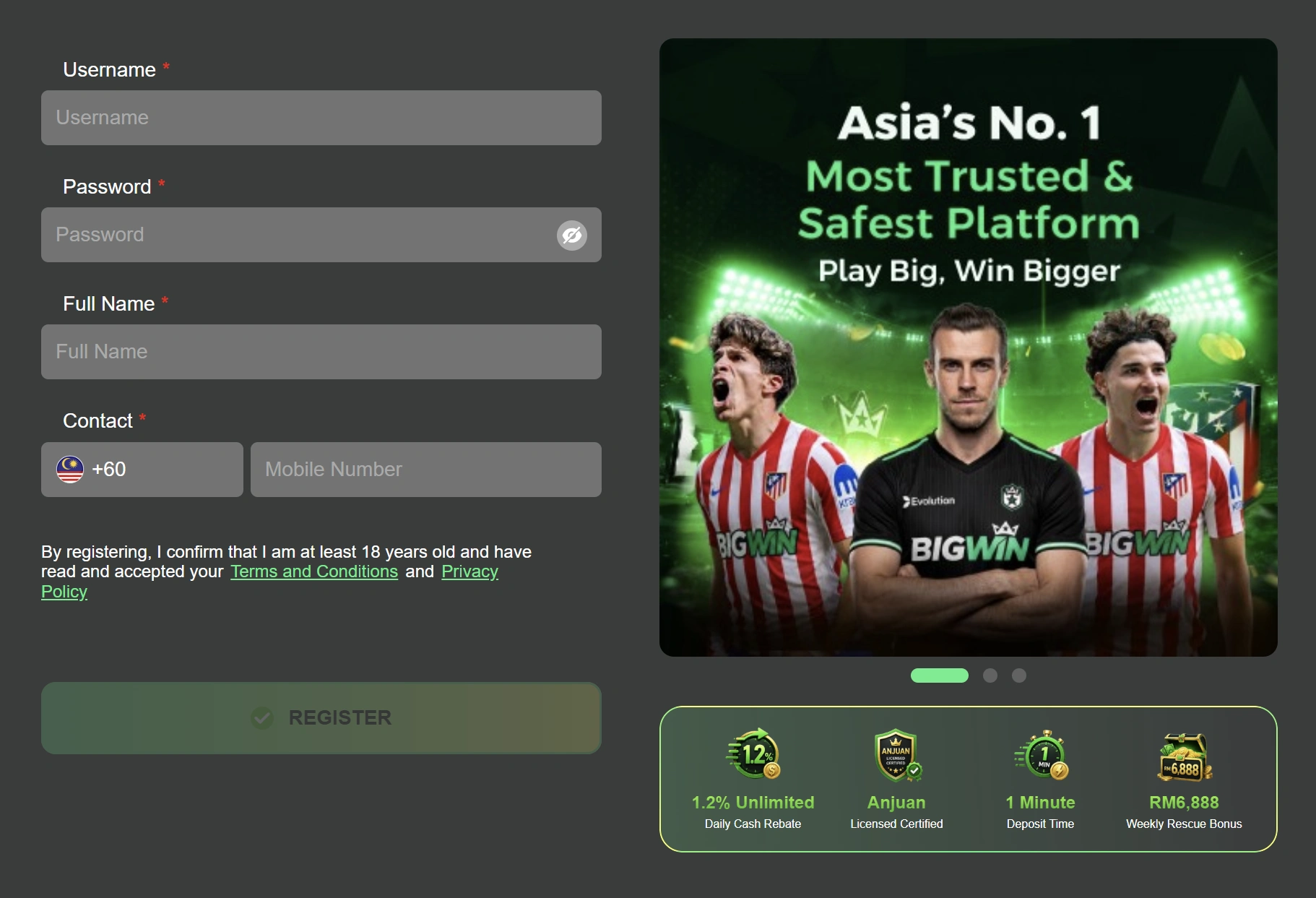
If you are a new player, you do not need to visit the desktop site to get started. Upon launching the app, the registration gateway allows you to create a complete profile in minutes. Ensure that you enter accurate personal details, a verifiable mobile phone number, and a secure password. The mobile form is optimized with auto-fill capabilities where appropriate, speeding up the initial onboarding process significantly.
Mobile Profile Verification
To withdraw funds, players must pass Know Your Customer (KYC) compliance. The 9bigwin app simplifies this process tremendously by utilizing your device’s built-in camera. Rather than scanning documents and transferring them to a computer, you can directly photograph your government-issued ID and recent utility bill from within the app’s verification portal. The images are securely uploaded and typically verified by the compliance team within hours.
Mobile Password Security
Maintaining strong password hygiene is critical when gambling from a portable device. If your phone is lost or stolen, your casino balance must remain inaccessible.
- Never use the “Remember Password” feature in your mobile browser if you are using the web version instead of the secure app.
- Always utilize a unique, complex password combining uppercase letters, numbers, and symbols.
- Ensure that biometric login is enabled so that manual password entry is rarely required.
Mobile Cashier & MYR Payments
A primary advantage of this digital ecosystem is its tailored approach to local currency. Operating natively in 9bigwin myr, the platform entirely bypasses expensive foreign exchange fees and unpredictable conversion rates, allowing Malaysian players to track their bankrolls accurately in real time.
DuitNow and E-Wallet Mobile Deposits
Funding your account is fastest when executed on the same device where your digital wallets reside. The mobile cashier connects seamlessly with Malaysia’s most popular payment gateways.
| Payment Method | Mobile Convenience Factor | Minimum Deposit | Processing Time |
| DuitNow QR | Instant app-to-app switching | MYR 30 | Immediate |
| Touch ‘n Go eWallet | Direct mobile authorization | MYR 30 | Immediate |
| Online Bank Transfer | Integrates with local banking apps | MYR 30 | 5 – 10 Minutes |
| Cryptocurrency (USDT) | Copy-paste wallet addresses easily | MYR 100 | Network Dependent |
When utilizing DuitNow, the casino generates a unique QR code on your screen. You can either save this image to your phone’s gallery and upload it to your banking app, or seamlessly switch between the casino and your financial application to approve the transfer.
Making Withdrawals on the Go
Withdrawing your winnings is just as straightforward. By navigating to the mobile cashier and selecting the withdrawal tab, players can request a direct transfer to their verified, locally registered bank account. Because the platform operates entirely in 9bigwin myr, there are no complicated conversion calculations required. Simply enter the desired withdrawal amount, confirm your banking details, and submit the request.
Checking Transaction History
Monitoring your betting volume and financial turnover is easily achieved through the mobile dashboard. The profile menu features a dedicated “Transaction History” section where players can review all past deposits, successful withdrawals, claimed bonuses, and active turnover progress. This transparency ensures you always know exactly how close you are to unlocking a bonus for cashout.

Technical Support and App Security
While the mobile platform is designed for maximum stability, occasional technical hiccups can occur due to network fluctuations or outdated device operating systems. Knowing how to resolve these issues quickly ensures your gaming sessions remain uninterrupted.
Troubleshooting App Crashes
If the application unexpectedly closes or freezes during gameplay, the issue is typically related to device memory limits or network instability.
- Clear the App Cache: Go to your device’s settings, select Apps, find the casino application, and tap “Clear Cache” to remove temporary files that may be causing conflicts.
- Check Your Connection: Switch from cellular data to a stable Wi-Fi connection, or vice versa, to rule out network drops.
- Close Background Apps: Heavy RAM usage from other open applications can cause resource-intensive live dealer streams to stutter. Close unnecessary apps before launching the casino.
Fixing APK Installation Errors
If you encounter an error message stating “App Not Installed” after attempting a 9bigwin download, the most common culprit is insufficient storage space. Ensure your device has at least 200MB of free internal storage. Additionally, verify that you have successfully permitted installations from unknown sources. If the downloaded file is corrupted due to an interrupted connection, delete the file and download a fresh copy from the official site.
Updating App to the Latest Version
To maintain optimal security and access the newest slot titles, the software must be kept up to date. Unlike apps downloaded from the Google Play Store, the 9bigwin mobile platform cannot update automatically in the background. When a new version is released, the app will typically prompt you with a notification upon login. You will need to click the update link, which will download the latest version of the file and install it over the existing application without losing your login credentials or saved preferences.